01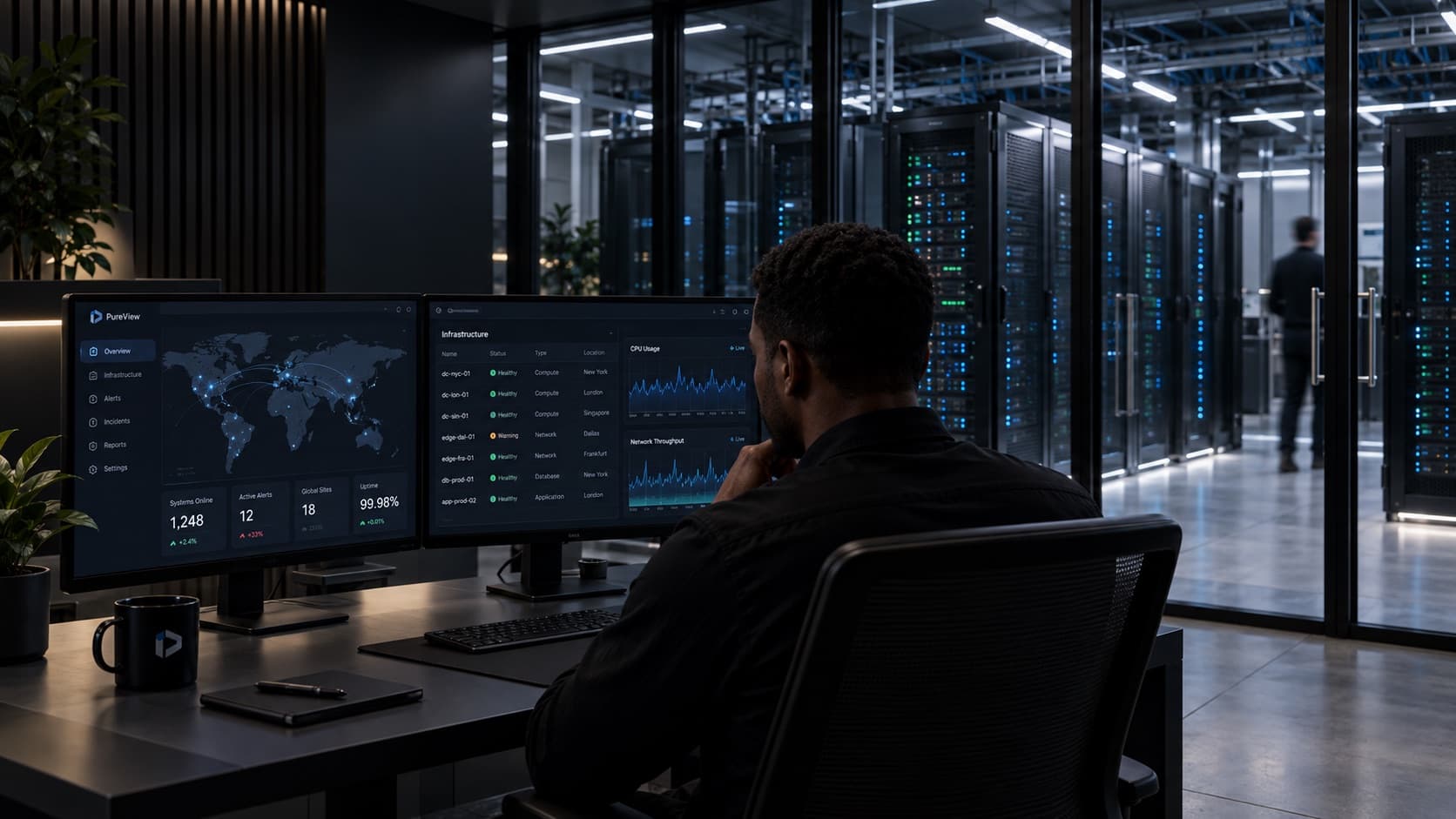
Find what is on the network.
Give it a subnet. It finds what answers, identifies the vendor and model where it can, and reads each switch's own neighbour table to work out what connects to what.
Explore the product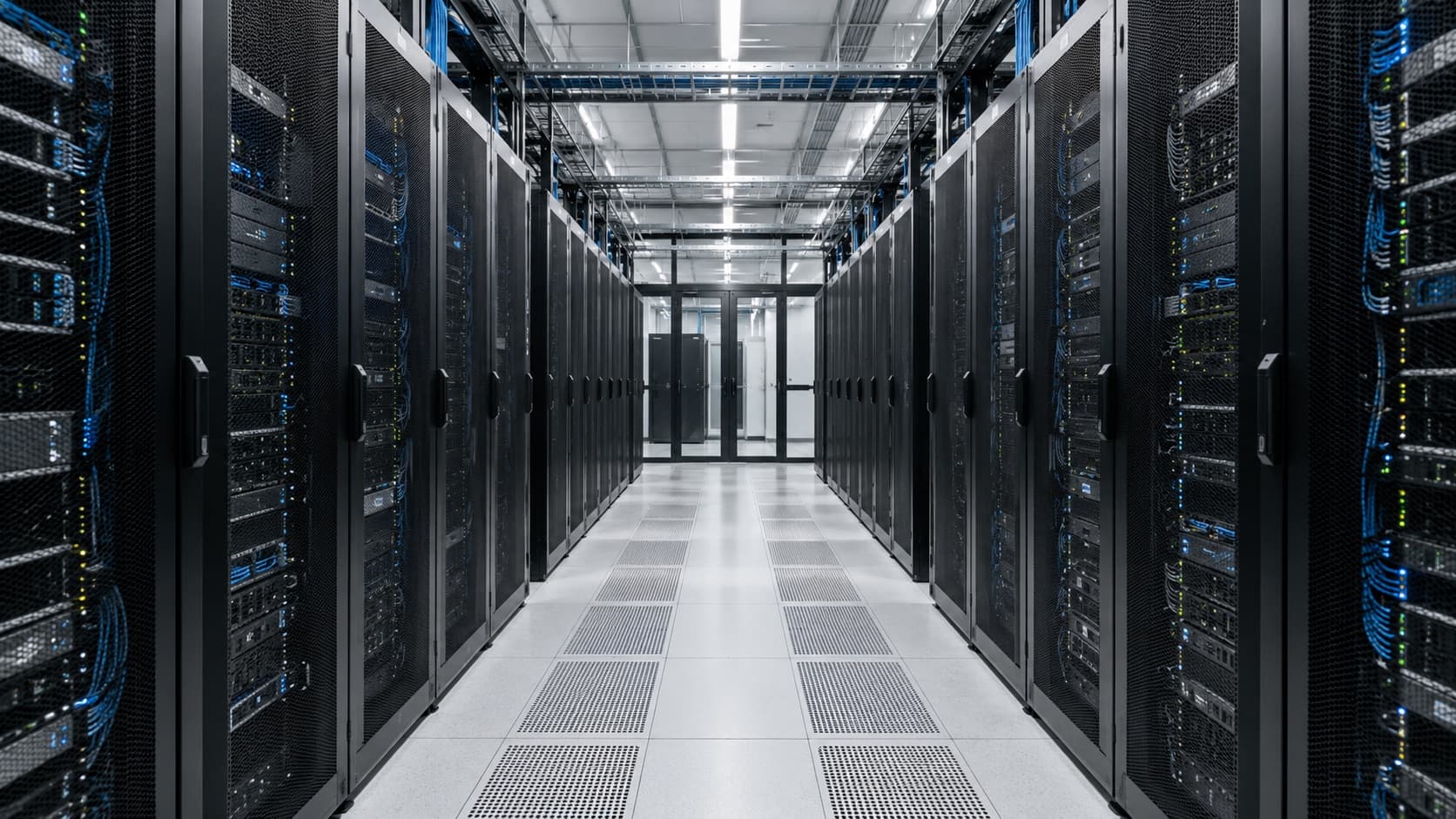
PureView by Zenaclove
PureView finds the devices on your network, places each one in the rack it occupies, and shows the servers behind them. It runs on a server inside your own network.
When something breaks
When a core switch fails, everything behind it goes quiet at once. PureView marks those alerts as consequences and points at the switch. From there you can go to its rack, its neighbours and whatever else shares its power feed.
Give it a subnet. It finds what answers, identifies the vendor and model where it can, and reads each switch's own neighbour table to work out what connects to what.
Explore the product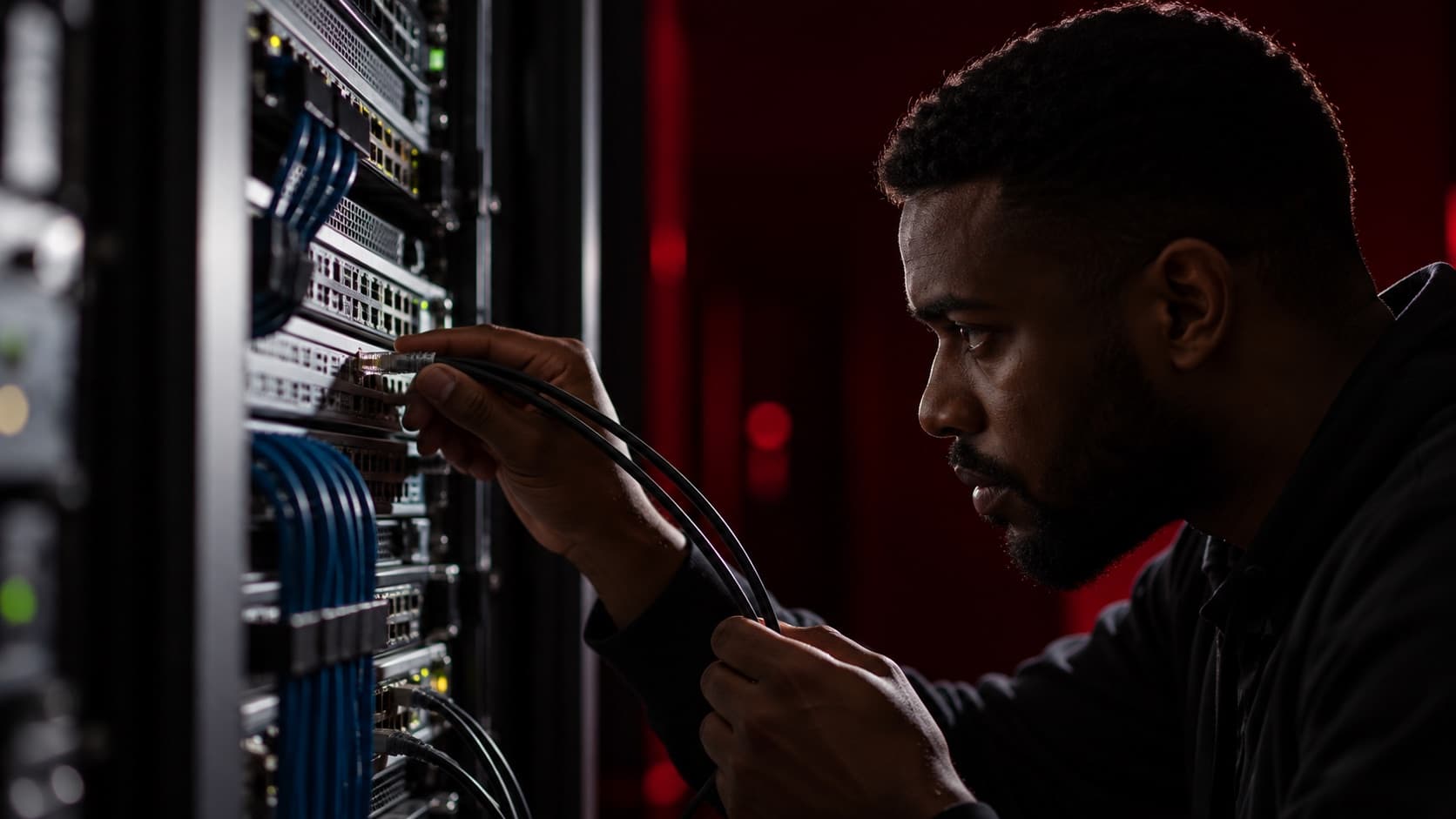
PureView runs inside your network. Device credentials, logs and configuration history stay on your installation, and the credentials are encrypted with a key that belongs to it.
See the security approach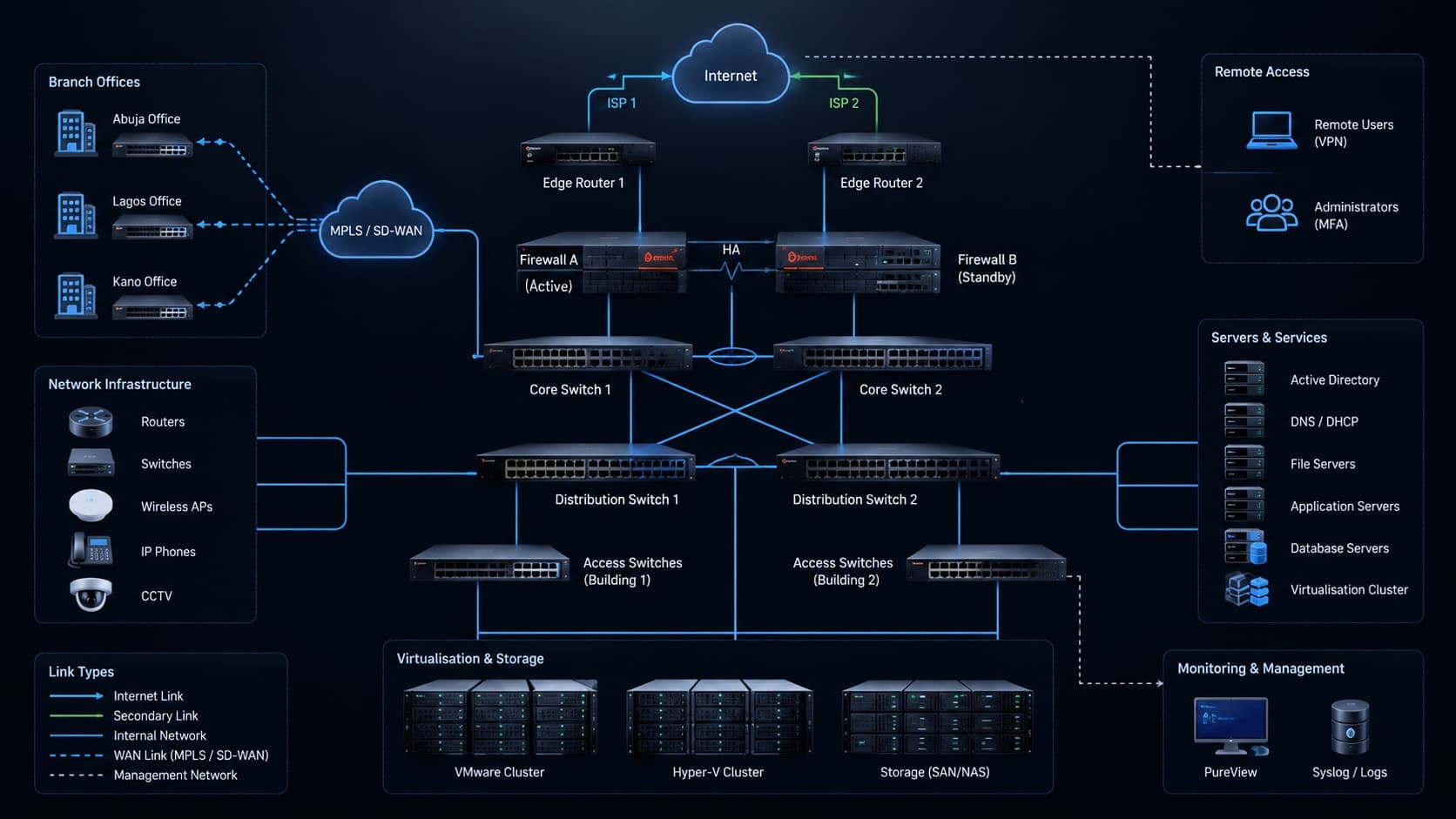
Send us the makes and models you run. We will tell you plainly which of them PureView supports today, and show it on a working installation.
Arrange a demonstrationFor clients
Subscriptions, deployments, updates and support, in one account. Ask us about access for your organisation.
Start a conversation
Tell us what you run and what you need to understand. We will shape the demonstration around it.
Request a demo